
Guide
Conversations
This page covers the Conversations screen, used to monitor, audit, and manage chat sessions between clients/visitors and the assistant. It is for administrators and support staff performing oversight or moderation.
Navigate to Addons → AI Copilot Suite → Conversations.
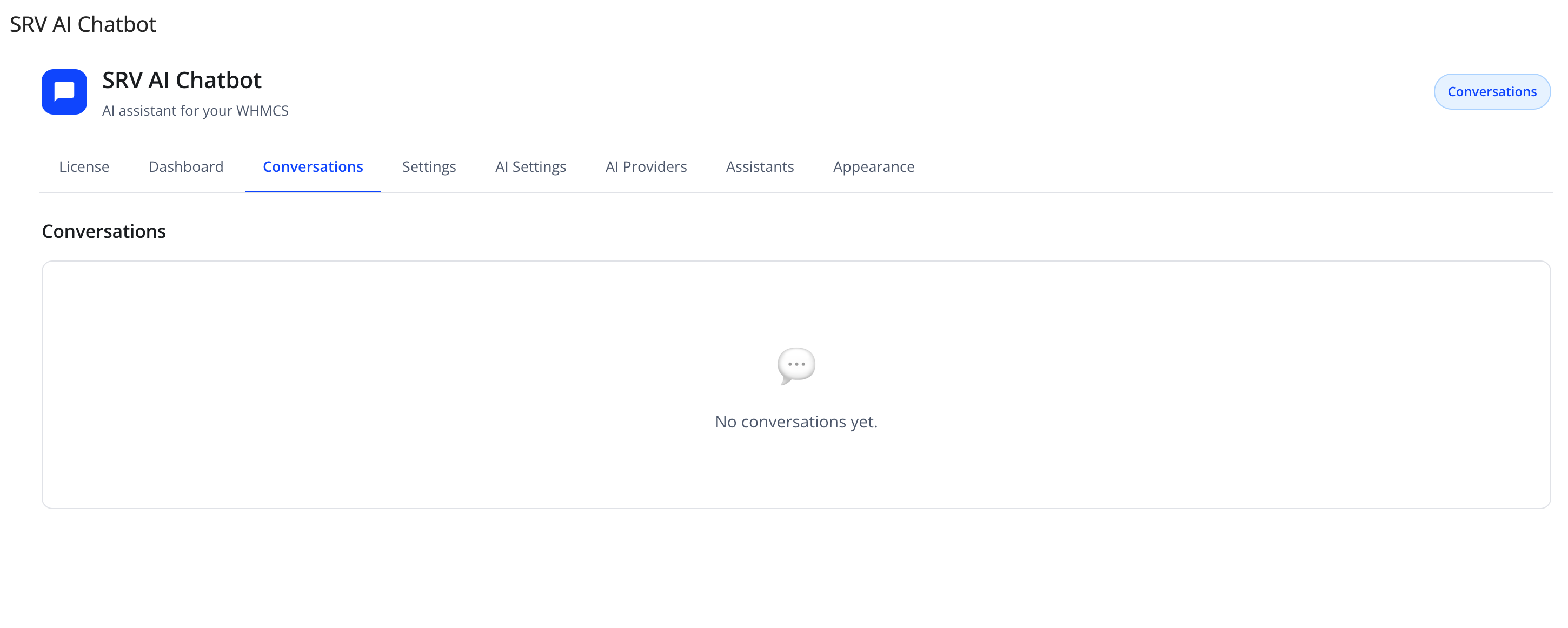
Before any chat has happened, the list shows "No conversations yet."
Conversation list
| Column | Meaning |
|---|---|
| ID | Unique conversation identifier |
| Mode | How the conversation started (e.g. widget, embed) |
| Status | Active, Suspended, Escalated, or Closed |
| Client ID | The WHMCS client this conversation belongs to, if logged in |
| Tokens | Input/output token counts consumed by this conversation |
| Last Activity | Timestamp of the most recent message |
| Actions | View, and (depending on status) Unsuspend or Close |
Conversation detail
Click View on a row to open the full thread:
- Conversation metadata: mode, client ID, linked support ticket ID (if escalated), and an AI-generated summary of the conversation.
- Full message thread, with each message tagged by role (client, assistant, or internal note) and timestamped.
Statuses explained
| Status | Meaning |
|---|---|
| Active | Ongoing conversation |
| Suspended | Temporarily paused (e.g. due to a rate limit or automatic safety trigger) |
| Escalated | Handed off to a real WHMCS support ticket |
| Closed | Ended, read-only |
Actions
| Action | Effect |
|---|---|
| View | Opens the full conversation thread |
| Unsuspend | Reactivates a suspended conversation |
| Close | Ends a conversation, making it read-only |
| Close All | Closes every active/suspended conversation at once (confirmation required) |
| Delete All | Permanently removes all conversation records — requires typing DELETE to confirm |
Caution
Delete All permanently removes conversation history, including any linked audit trail for guarded account actions. Use it only for data-retention/compliance cleanup, not routine maintenance.
Client-side experience (for context)
From the client-area widget, clients can:
- View a History list of their own past conversation threads and reopen (resume) any of them.
- Use the Escalate option to hand the current conversation off to a real WHMCS support ticket, choosing a department and priority, and describing the problem.
- See their conversation become read-only once it is closed or suspended from the admin side.
Troubleshooting
| Problem | Fix |
|---|---|
| A conversation is stuck as Suspended | Check whether a rate limit or IP block caused it (see Security & Rate Limits), then click Unsuspend |
| Client reports losing a chat thread | Ask them to use the widget's History option — conversations are stored per client and are not deleted on Close |