
Guide
Sales Assist
This page covers the Settings → Sales tab, which configures AI-assisted pre-sales and marketing features: domain name suggestions, client-area ticket/KB assist, a product recommendations carousel, manual page-slot targeting, and AI-generated product descriptions. It is for administrators aiming to increase conversion on the store front.
Navigate to Addons → AI Copilot Suite → Settings → Sales. The left-hand Categories list has five sections: AI Domain Suggestions, Client-area assist, Product & domain recommendations, Manual page slots, and Admin product descriptions.
AI Domain Suggestions
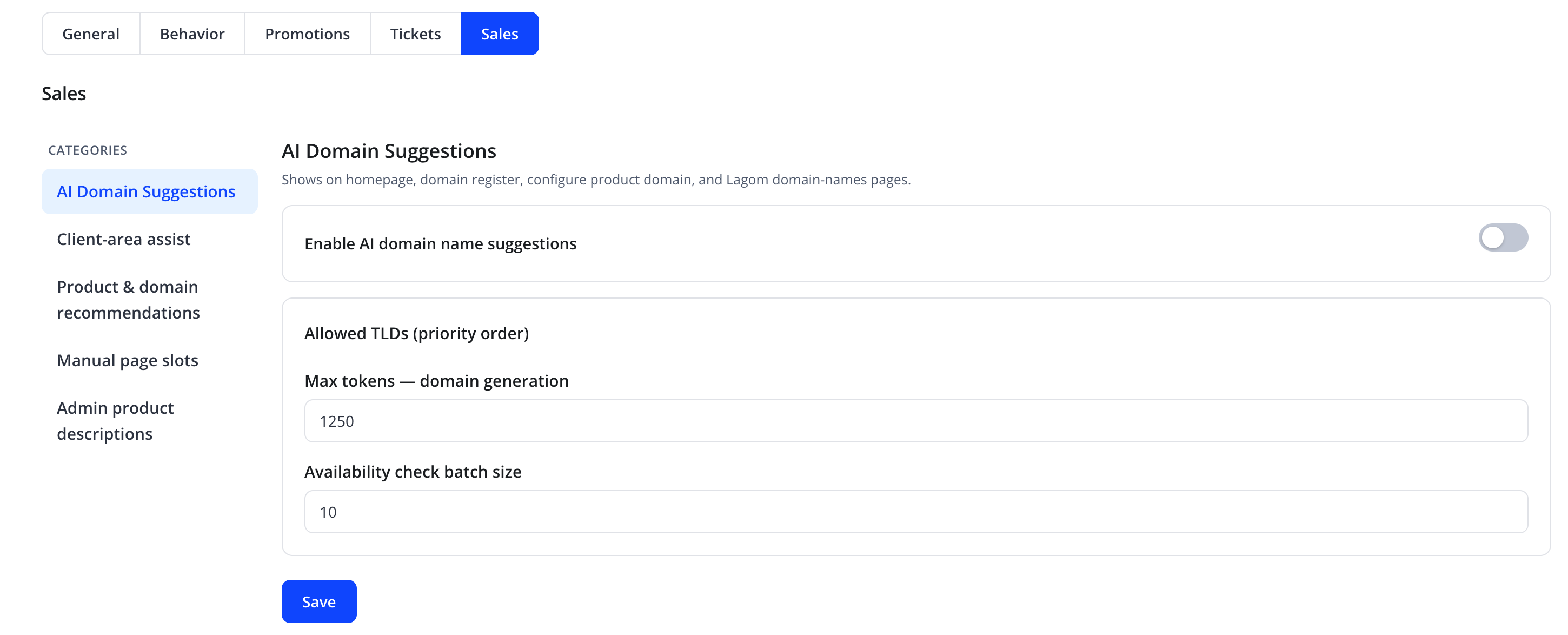
"Shows on homepage, domain register, configure product domain, and Lagom domain-names pages."
| Friendly name | Type | Default |
|---|---|---|
| Enable AI domain name suggestions | toggle | Off |
| Allowed TLDs (priority order) | tag/checkbox list | none selected |
| Max tokens — domain generation | number | 1250 |
| Availability check batch size | number | 10 |
When enabled, the assistant can generate domain name ideas during a client or visitor's domain search/registration flow, limited to the TLDs selected here.
Client-area assist
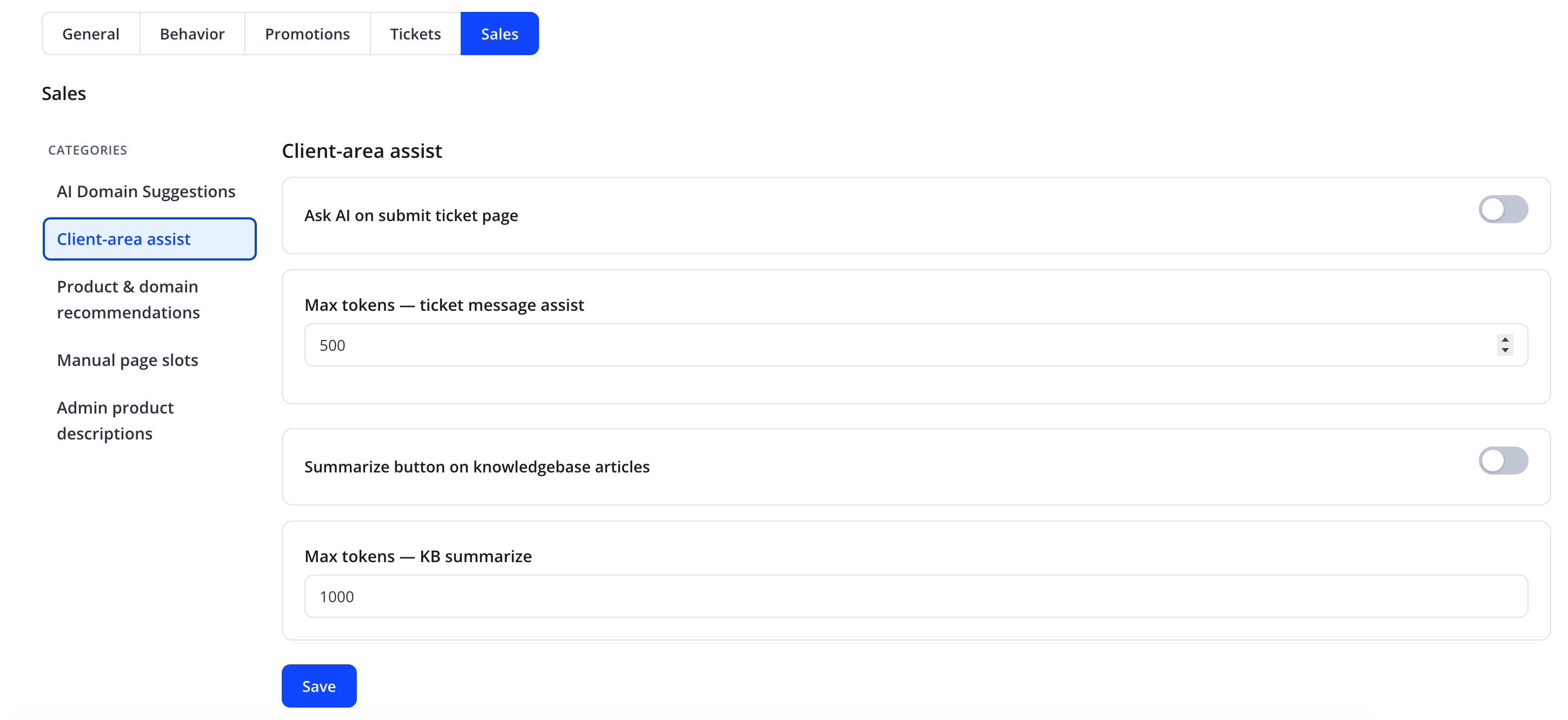
| Friendly name | Type | Default |
|---|---|---|
| Ask AI on submit ticket page | toggle | Off |
| Max tokens — ticket message assist | number | 500 |
| Summarize button on knowledgebase articles | toggle | Off |
| Max tokens — KB summarize | number | 1000 |
Ask AI on submit ticket page helps a logged-in client compose a clearer support-ticket submission before opening it. Summarize button on knowledgebase articles condenses long knowledge-base articles for faster reading. Both Assist endpoints require a logged-in client and share an IP rate limit (default 20 requests / 5 minutes via sales_rate_ip_max / sales_rate_ip_window). The Sales API also enforces CSRF and same-origin checks like the main widget API.
Product & domain recommendations
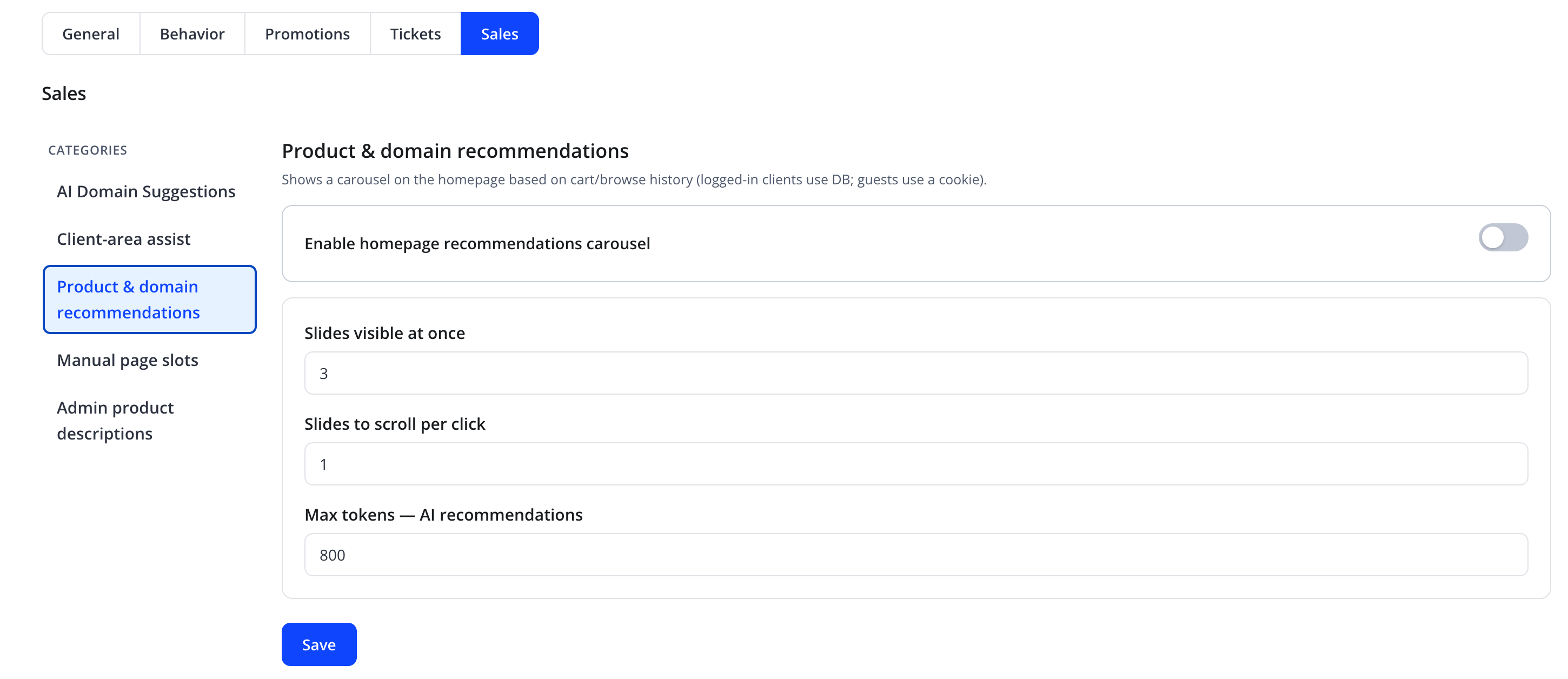
"Shows a carousel on the homepage based on cart/browse history (logged-in clients use DB; guests use a cookie)."
| Friendly name | Type | Default |
|---|---|---|
| Enable homepage recommendations carousel | toggle | Off |
| Slides visible at once | number | 3 |
| Slides to scroll per click | number | 1 |
| Max tokens — AI recommendations | number | 800 |
Manual page slots
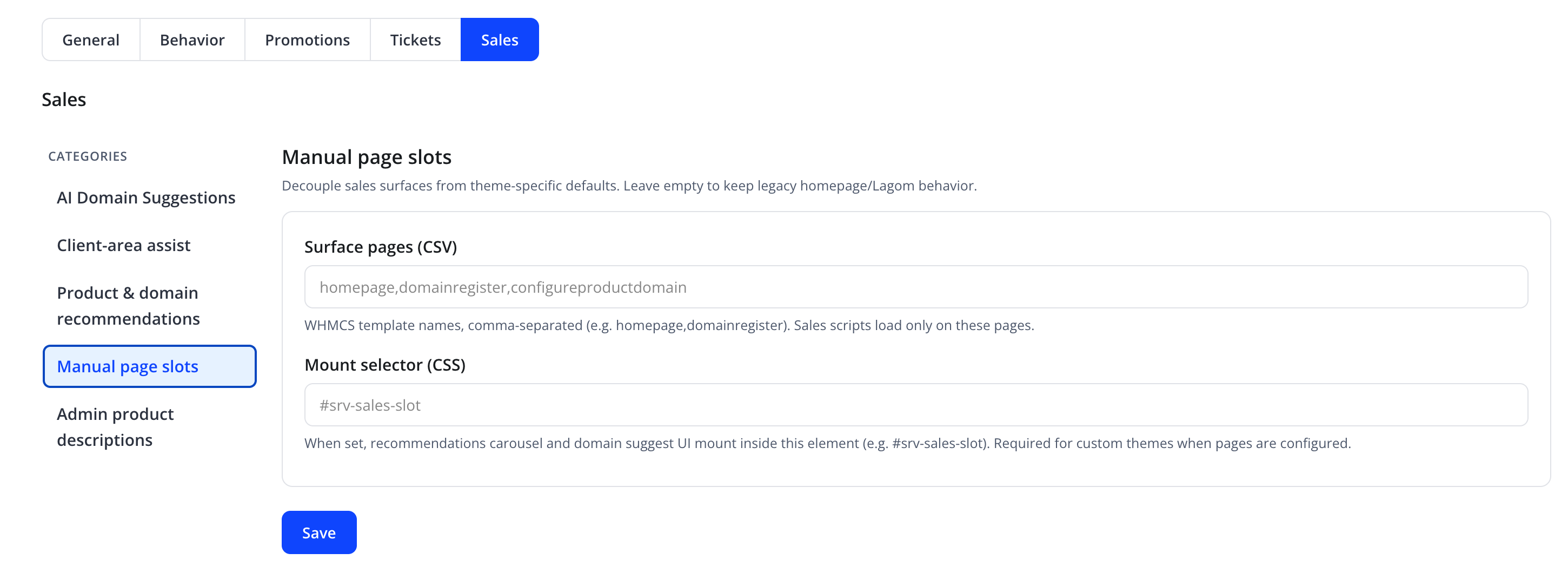
"Decouple sales surfaces from theme-specific defaults. Leave empty to keep legacy homepage/Lagom behavior."
| Friendly name | Type | Default |
|---|---|---|
| Surface pages (CSV) | text, comma-separated WHMCS template names, e.g. homepage,domainregister,configureproductdomain |
empty (legacy behavior) |
| Mount selector (CSS) | text, CSS selector, e.g. #srv-sales-slot |
empty |
"WHMCS template names, comma-separated (e.g. homepage,domainregister). Sales scripts load only on these pages." "When set, recommendations carousel and domain suggest UI mount inside this element (e.g. #srv-sales-slot). Required for custom themes when pages are configured."
Note
If your WHMCS theme does not already contain an element matching Mount selector (CSS), add one to the relevant template file, or choose an existing element ID/class from your theme.
Admin product descriptions
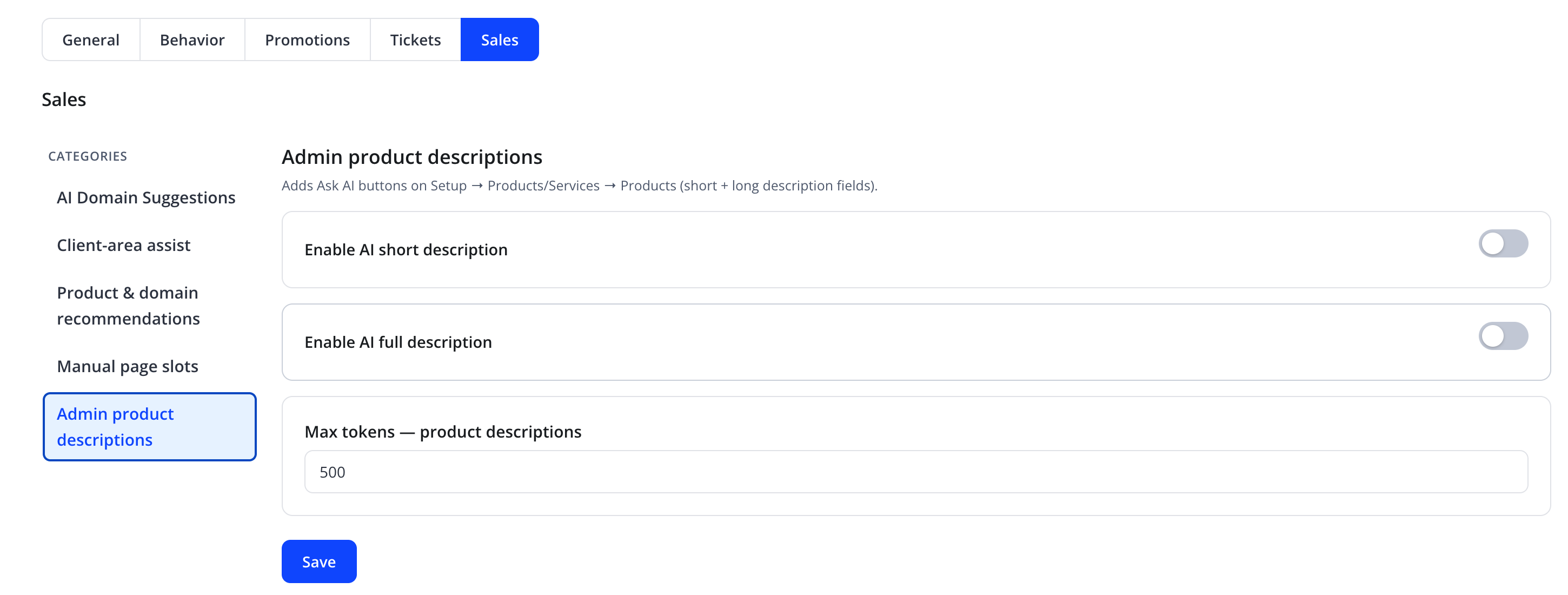
"Adds Ask AI buttons on Setup → Products/Services → Products (short + long description fields)."
| Friendly name | Type | Default |
|---|---|---|
| Enable AI short description | toggle | Off |
| Enable AI full description | toggle | Off |
| Max tokens — product descriptions | number | 500 |
These let an administrator generate AI-written short and full product descriptions directly from the product edit screen, reducing manual copywriting effort.
Action
Click Save on each category.
Troubleshooting
| Problem | Fix |
|---|---|
| Domain suggestions never appear | Confirm Enable AI domain name suggestions is on and at least one TLD is selected |
| Recommendations carousel does not render on a page | Confirm the page's template name is listed in Surface pages (CSV) and Mount selector (CSS) matches an actual element on that page |
| Generated product descriptions are off-brand | Refine the relevant assistant's system prompt or add brand-voice guidance to the Knowledge Base |