
Guide
Media Manager
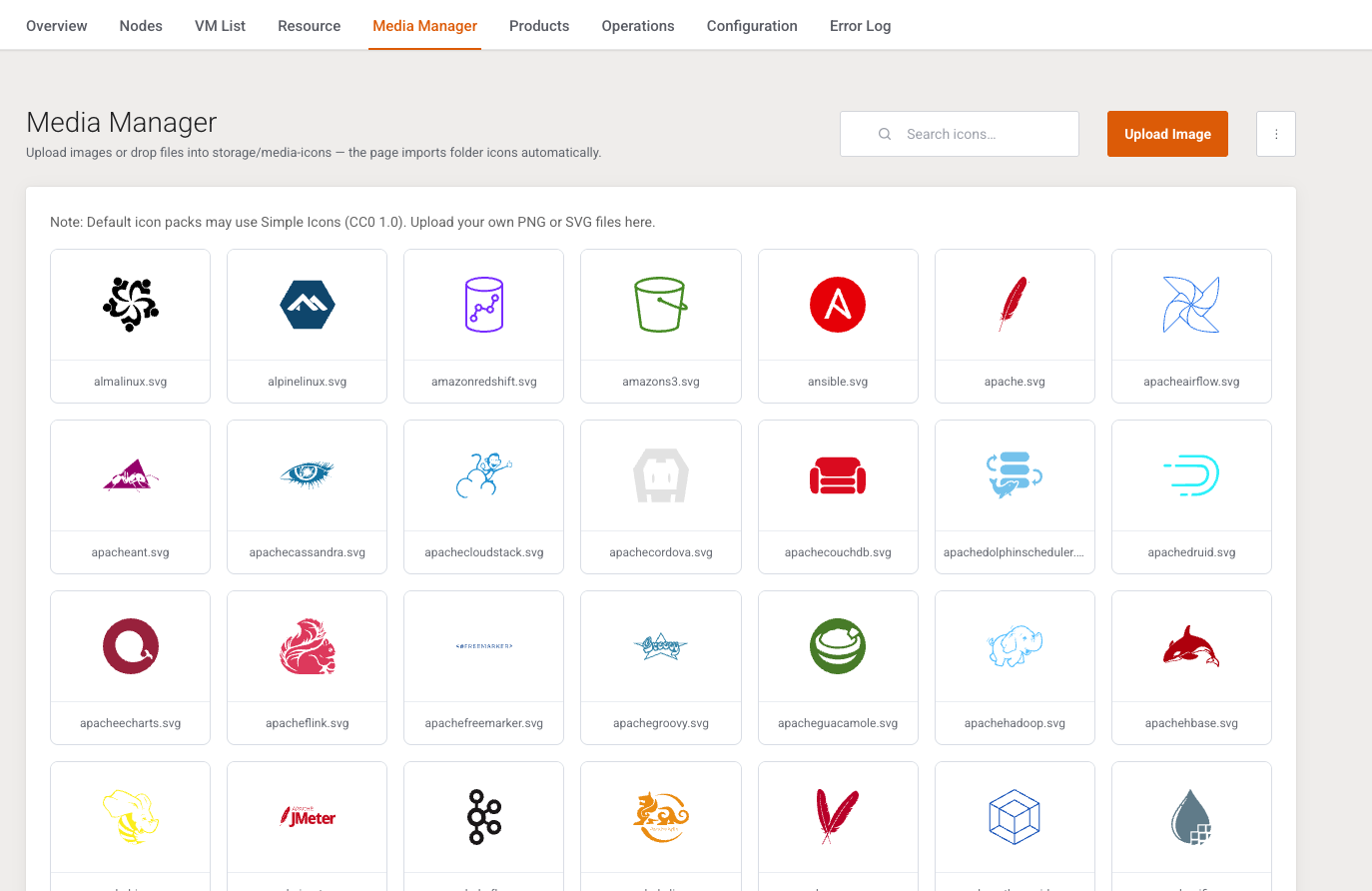
This page is the icon library for OS family cards. It is written for the operator adding or replacing a distribution logo.
Menu: Addons → Proxmox Suite → Media Manager
There is no sidebar. The family tab opens this page directly.
Purpose
Upload images or drop files into storage/media-icons — the page imports folder icons automatically.
A note on the page states that default packs may use Simple Icons (CC0 1.0). Icons chosen on OS family come from this library. A Custom URL on the family overrides the library pick.
Controls
| Control | What it does |
|---|---|
| Search icons… | Filters the grid in the browser. |
| Upload Image | png, jpg, jpeg, gif, webp, or svg. Maximum 524288 bytes. |
| Additional Actions → Delete All | Confirms Delete all images…? and removes every icon. |
| Card click | Confirms Remove this image…? and deletes that file. |
If the filename already exists, a conflict modal offers Replace existing, Save as a copy name, or Cancel.
On open, files already sitting in the media folder are imported. Flash: Imported %d icon(s) from the media folder.
SVG uploads are rejected when the file contains scriptable content.
Example
Export a 128×128 PNG named almalinux.png, Upload Image, then on OS family for AlmaLinux choose that icon and leave Custom URL empty.
Next step
Task History after the first provision.