
Guide
IP Logs
This page is the audit list for IP assign and release. It is written for support checking who held an address.
Menu: Addons → Proxmox Suite → Resource → Network → IP Logs
Purpose
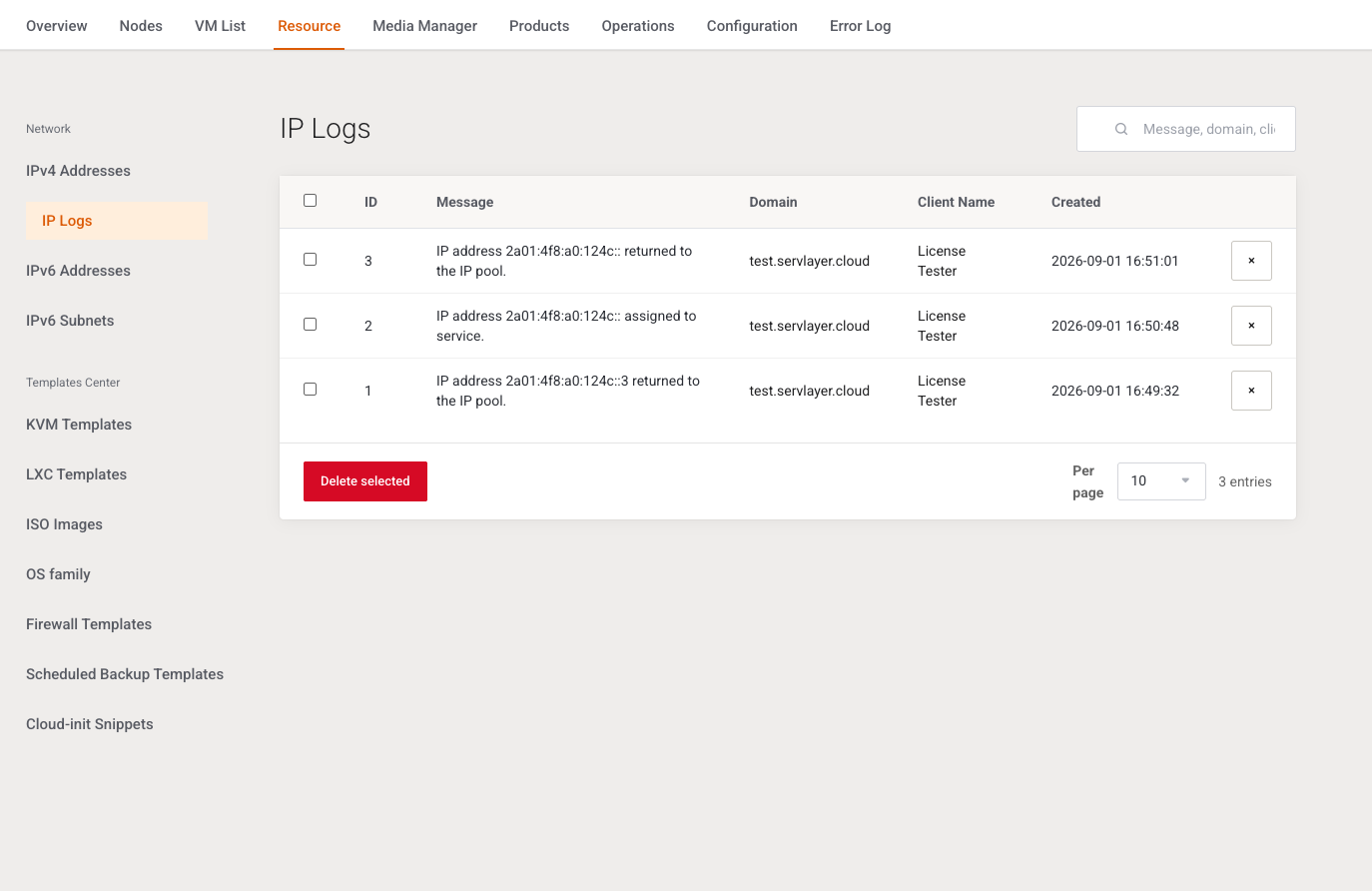
Rows are appended when an address is assigned (IP address %s assigned to service.) or released (IP address %s returned to the IP pool.). There is no create form.
List
Search placeholder: Message, domain, client…. The query matches message and domain only, not the client display name.
Per page: 10, 25, or all. Default 10.
Columns: selection, ID, Message, Domain (link to the service, or an em dash), Client Name (first and last name, otherwise company, otherwise an em dash; link to the client summary), Created.
| Action | What it does |
|---|---|
| Row delete | Confirms Delete this record? Flash: Record deleted. |
| Delete selected | Confirms Delete selected log entries? Flash: %d log entry(ies) deleted. An empty selection does nothing. |
Deleting a log row does not release the address and does not change Proxmox.
Example
After Release on an IPv4 row, filter this page by the address text. The newest message should say the address was returned to the pool.
Next step
Register install media on KVM Templates.