
Guide
OS family
This page defines the OS cards on client reinstall. It is written for the operator grouping Debian 11 and Debian 12 under one icon.
Menu: Addons → Proxmox Suite → Resource → Templates Center → OS family
Purpose
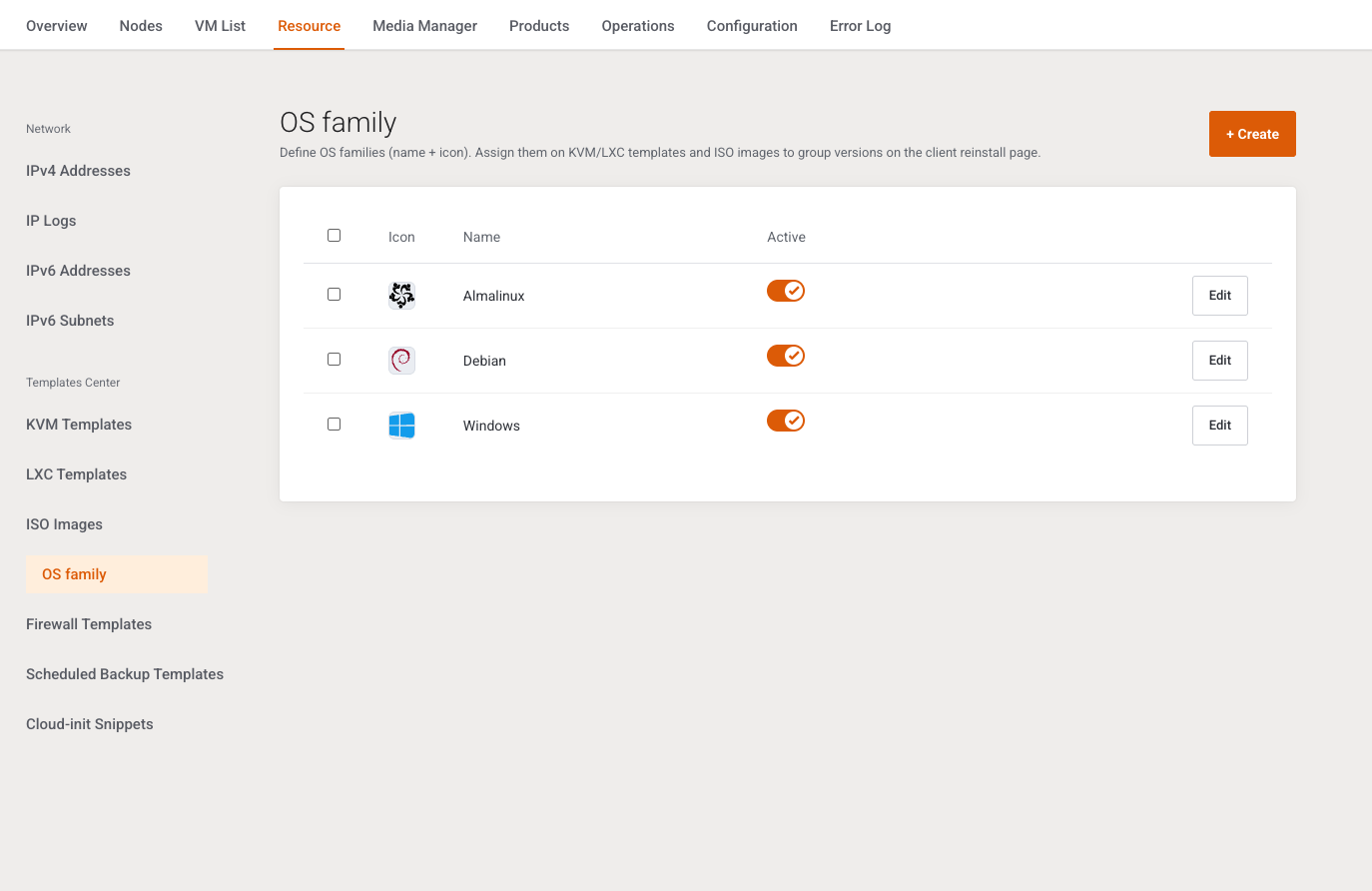
Intro: Define OS families (name + icon). Assign them on KVM/LXC templates and ISO images to group versions on the client reinstall page.
A family is a name plus an icon. Templates and ISOs point at it and supply the Version label.
List
+ Create. Columns: selection, Icon, Name, Active (saves immediately), Edit. Empty: No OS families yet. Create one to group templates on reinstall.
When rows exist: Enable, Disable, Delete. There is no delete button inside the modal. The list delete confirms Delete the selected items?
Add / Edit
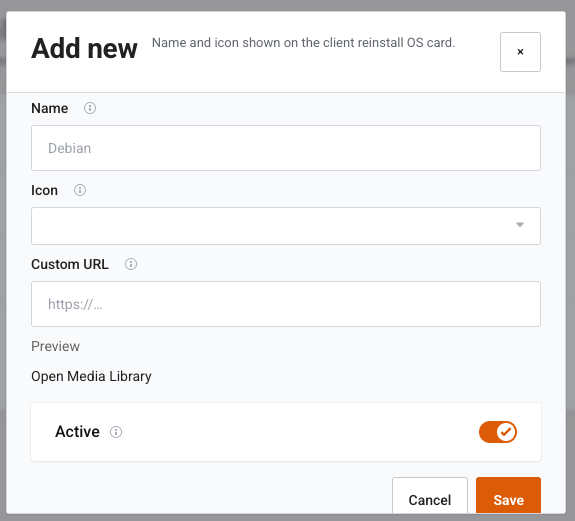
Intro: Name and icon shown on the client reinstall OS card.
| Field | Type | What it does |
|---|---|---|
| Name | Text, required, placeholder Debian |
Card title. Empty: OS family name is required. Duplicate: An OS family with this name already exists. |
| Icon | Select | Media-library token, or — No icon —. |
| Custom URL | Text | When filled, replaces the library icon. |
| Preview | Image | Preview, plus Open Media Library. |
| Active | Switch, default on | Inactive families cannot be selected on a template or ISO. |
Cancel / Save. Missing row on edit: OS family not found.
Example
+ Create, name Debian, pick the Debian icon, Save. On each Debian template set OS family to Debian and Version label to 11 x64 or 12 x64. Reinstall shows one Debian card and a version dropdown.
Next step
Icons that are missing live in Media Manager. Firewall presets are on Firewall Templates.