
Guide
Firewall Templates
This page stores reusable Proxmox firewall options and rules. It is written for the operator who wants every new guest from a package to start with the same policy.
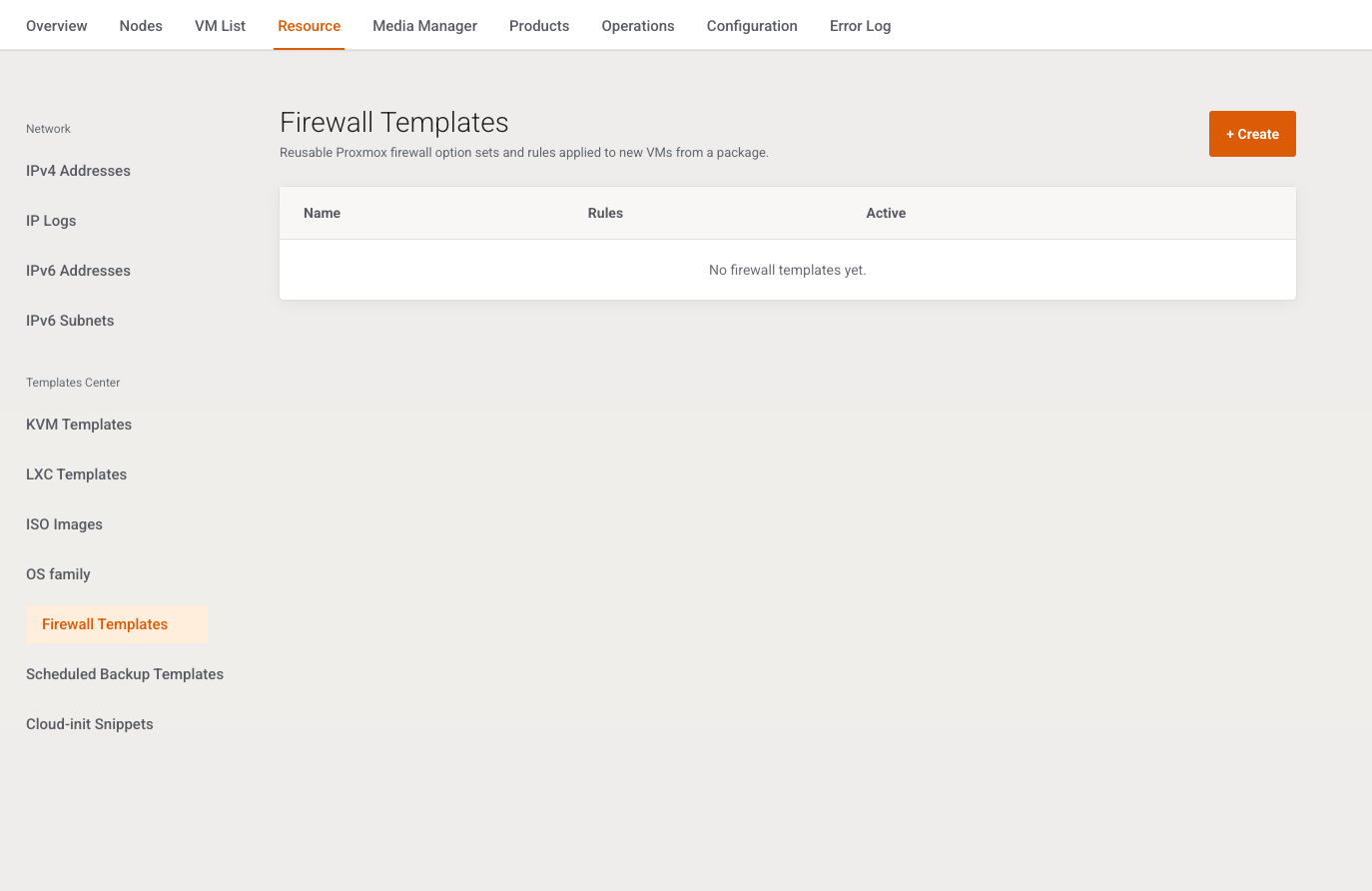
Menu: Addons → Proxmox Suite → Resource → Templates Center → Firewall Templates
Purpose
Intro: Reusable Proxmox firewall option sets and rules applied to new VMs from a package.
A VM Plan Firewall template field points here. The package can still override individual firewall switches.
List
+ Create. Columns: Name, Rules (count), Active (Yes / No), Edit. Empty: No firewall templates yet. There is no search and no bulk action.
Add / Edit
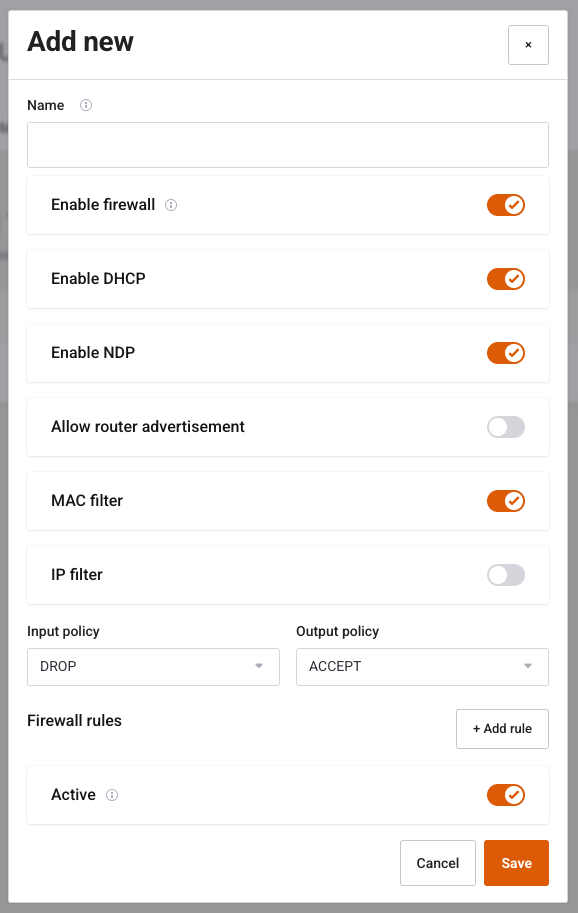
Cancel / Save. Name required: Name is required. Edit can Delete after Delete this record?
| Field | Type | Default on create | What it does |
|---|---|---|---|
| Name | Text, required | — | Label on the package dropdown. |
| Enable firewall | Switch | On | VM-level Proxmox firewall. Separate from the NIC firewall toggle on the package. |
| Enable DHCP | Switch | On | DHCP through the firewall. |
| Enable NDP | Switch | On | IPv6 neighbour discovery. |
| Allow router advertisement | Switch | Off | Router advertisements. |
| MAC filter | Switch | On | MAC filter. |
| IP filter | Switch | Off | IP filter. |
| Input policy | Select | DROP | Default, ACCEPT, DROP, REJECT. An empty value is stored as DROP in and ACCEPT out. Other values are uppercased. |
| Output policy | Select | ACCEPT | Same options. |
| Active | Switch | On | Inactive templates are hidden from package lists. |
Firewall rules
+ Add rule. A rule with an empty direction or action is dropped on save.
| Field | Values |
|---|---|
| Direction | IN or OUT. Anything else is stored as in. |
| Action | ACCEPT, DROP, or REJECT. Anything else is stored as ACCEPT. |
| Protocol | Text, placeholder tcp, stored lowercase. |
| Dest. port | Text, placeholder 22. |
| Source, Destination, Comment | Text. |
| Delete | Removes that rule row in the browser. |
There is no source-port field on the form.
Example
Name ssh-http, input DROP, output ACCEPT, one IN/ACCEPT/tcp rule for port 22 and one for port 80. Save, then select it on the VM Plan Firewall options tab and leave Enable firewall on.