
Guide
VM Cleaner
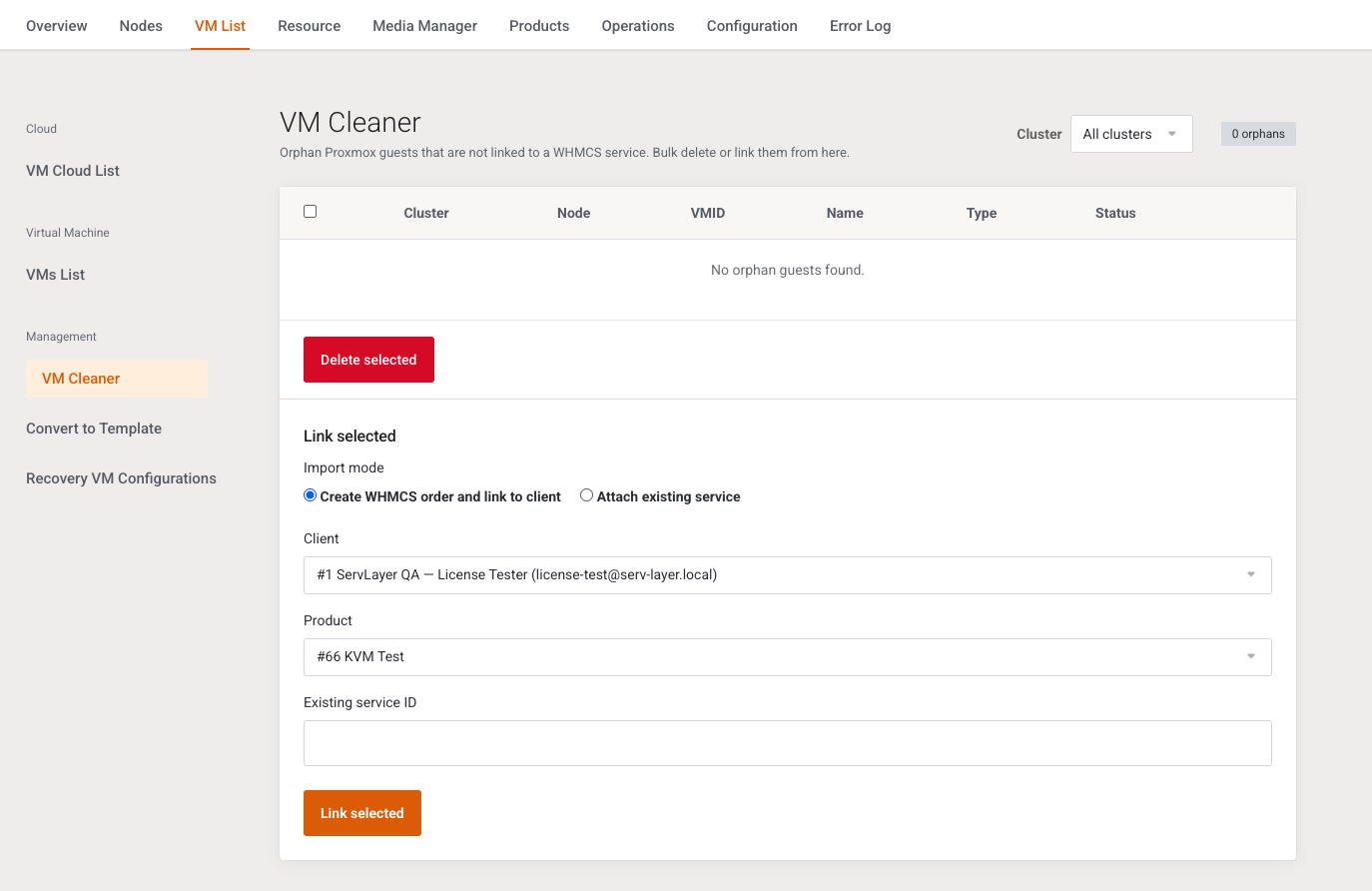
This page lists Proxmox guests that are not linked to WHMCS. It is written for the operator cleaning a node or bulk-linking orphans.
Menu: Addons → Proxmox Suite → VM List → Management → VM Cleaner
Purpose
The list is the same live inventory as VMs List with link state Unlinked. Templates are excluded. Only Active clusters are queried.
Intro: Orphan Proxmox guests that are not linked to a WHMCS service. Bulk delete or link them from here.
Empty: No orphan guests found.
Filters and columns
| Field | What it does |
|---|---|
| Cluster | All clusters, or one active cluster. Submits on change. |
Columns: selection checkbox, Cluster, Node, VMID, Name, Type, Status. Import on a row opens the VMs List import panel for that guest.
Delete selected
Delete selected confirms Permanently delete selected guests from Proxmox? and sends DELETE to Proxmox for each qemu or LXC guest. WHMCS is not changed, because these rows have no service. No selection: Select at least one orphan guest. Success: Deleted %d guest(s). A per-guest API error is shown as VMID {id} on {node}: {msg}.
Link selected
| Field | What it does |
|---|---|
| Import mode | Create WHMCS order and link to client (default) or Attach existing service |
| Client | Active clients. There is no empty placeholder: the first client is selected when any exist. |
| Product | Proxmox Suite products. Same: the first product is selected when any exist. |
| Existing service ID | Used only for attach. |
| Link selected | Runs the chosen mode for every checked row. |
Create uses payment method mailin. This form has no Skip invoice or Skip email switches, so the create path does not skip the invoice or the order email. The single-guest import on VMs List skips both by default.
No selection, or a missing client and product: Client and product are required. Other link errors are prefixed with the VMID. Success: Linked %d guest(s).
Warning
Delete selected destroys the guest on Proxmox. It cannot be undone from WHMCS. Link first if the guest should be billed.
Example
To remove three lab VMs on one cluster: set Cluster, select the rows, Delete selected, confirm. To bill one of them instead, use Import on that row so you can turn on Skip invoice on VMs List.
Next step
Linked guests and their jobs are on Task History.