
Guide
Storage Box — Getting Started
This page introduces the Storage Box family inside Hetzner Data Center Core: what it manages, what you need before selling it, and where to find it in the WHMCS admin panel. It is written for WHMCS administrators setting up Storage Box products for the first time.
What the Storage Box family manages
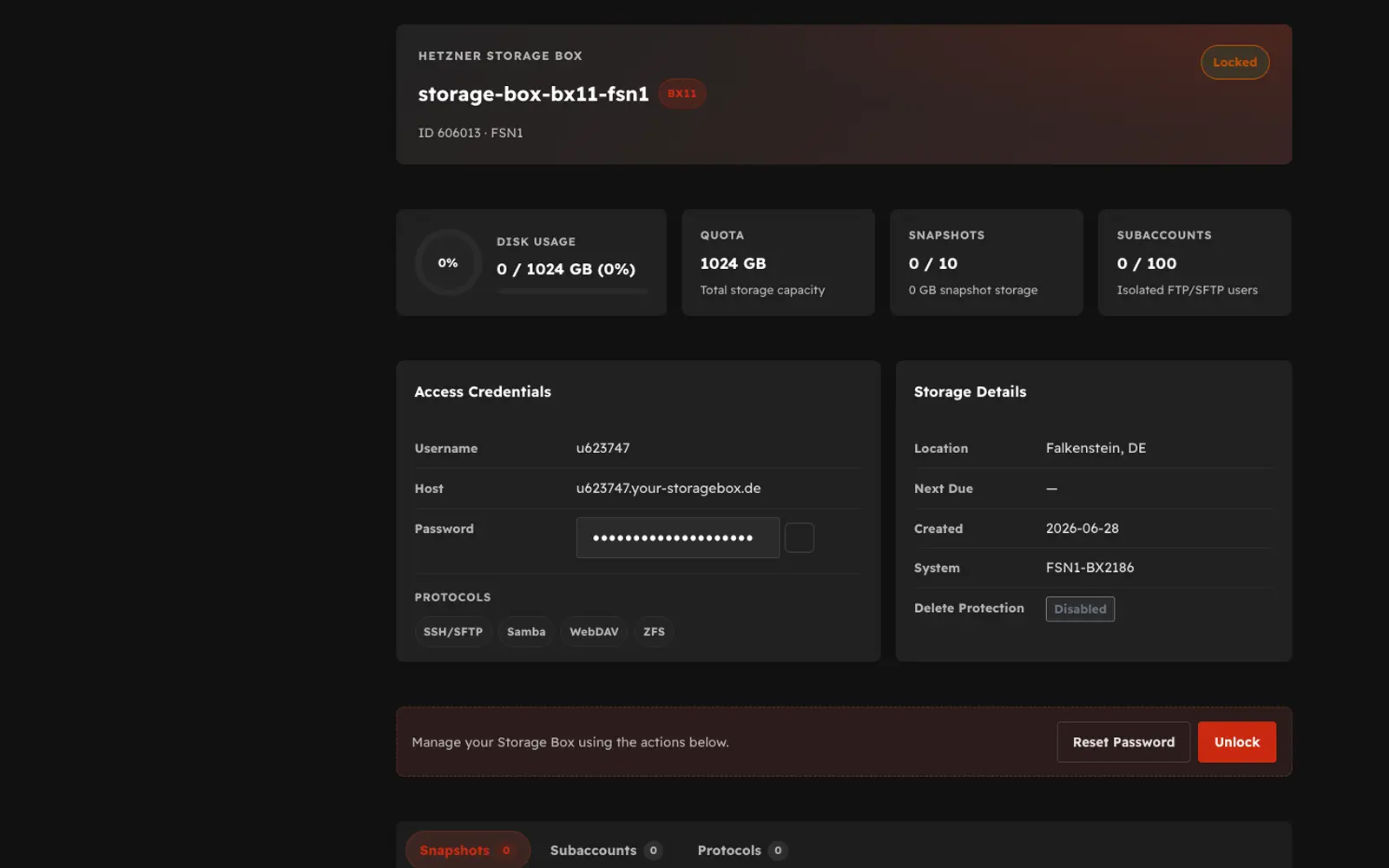
Storage Boxes are Hetzner's managed remote storage accounts, reachable over SSH, Samba/SMB, WebDAV, rsync, FTPS, and Borg. Inside WHMCS, the srv_hetzner_storagebox server module — backed by the shared srv_hetzner_dc core addon — lets you:
- Sell Storage Box plan types as WHMCS products with automatic provisioning.
- Track live inventory of Storage Boxes and link existing boxes to WHMCS services.
- Let customers manage sub-accounts, passwords, and lock state from the client area.
Prerequisites
Before configuring Storage Box products, confirm you have:
- A Hetzner account with access to Storage Box (an existing Storage Box, or the ability to create one, in the Hetzner Cloud Console).
- A Hetzner API token with Read & Write permission — see API Token.
- Hetzner Data Center Core (
srv_hetzner_dc) installed and activated, with thesrv_hetzner_storageboxserver module present under modules/servers.
Note
Storage Boxes use the official Hetzner API (https://api.hetzner.com/v1) with Bearer authentication — the same token family as Hetzner Cloud, not the Robot web service used for Dedicated Servers.
Admin navigation map
Storage Box administration lives under the Hetzner Data Center Core addon page, with a dedicated submenu:
Addons → Hetzner Data Center Core → Storage Box
| Submenu page | Purpose |
|---|---|
| API Token | Save and test the Hetzner API token used for Storage Box calls |
| Import Types | Import Hetzner Storage Box plan types as WHMCS products |
| Boxes | View live Storage Box inventory and link boxes to services |
| Settings | Configure per-product markup, sync, and client-area behavior |
Storage Box products themselves are still created and billed like any other WHMCS product, under Setup → Products/Services → Products/Services, with Module Name set to Hetzner Storage Box.
Next step
Continue to API Token to connect the addon to your Hetzner account.