
Guide
Storage Box — Settings
This page documents the Storage Box settings screen: markup, cron/stock synchronization, client-area toggles, and sub-account behavior. It is written for WHMCS administrators tuning Storage Box products after initial setup.
Where to find it
Go to Addons → Hetzner Data Center Core → Storage Box → Settings.
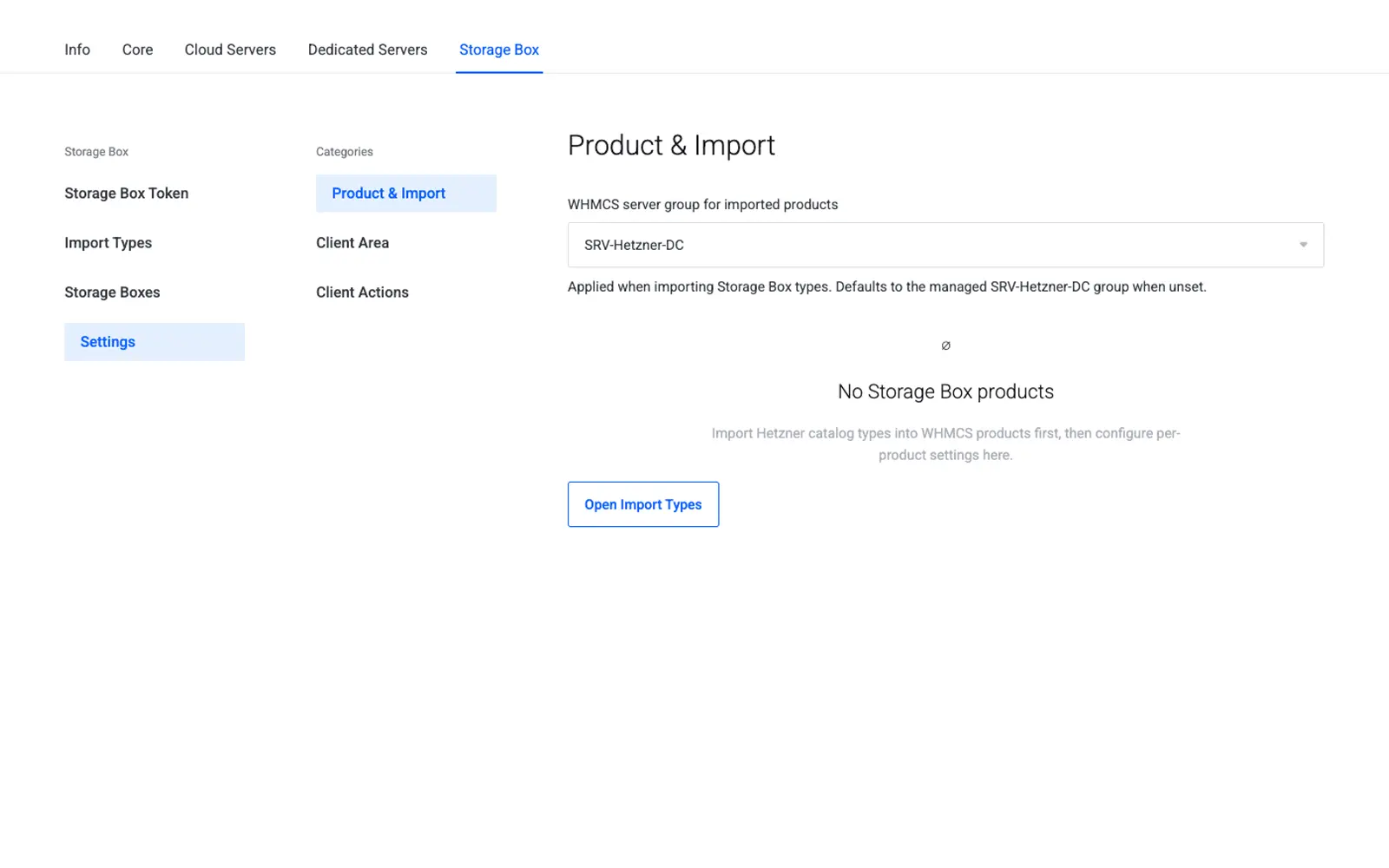
Settings reference
| Friendly name | System name | Type | Default |
|---|---|---|---|
| Price Markup | storagebox_markup |
number (%) | 0 |
| Cron Sync Enabled | storagebox_cron_sync |
yes/no | Yes |
| Stock Sync Interval | storagebox_sync_interval |
select (hourly/daily) | Daily |
| Show Usage Stats in Client Area | storagebox_show_usage |
yes/no | Yes |
| Allow Client Sub-account Management | storagebox_client_subaccounts |
yes/no | Yes |
| Allow Client Lock/Unlock | storagebox_client_lock |
yes/no | No |
Note
Exact field labels may vary slightly by module version; the behavior described below matches what each field controls.
Price markup
storagebox_markup applies a percentage on top of the Hetzner list price when the addon calculates suggested pricing during Import Types. Setting a product's own Pricing tab still overrides the final price shown to customers — the markup is a starting point, not a live surcharge.
Cron / stock sync
When Cron Sync Enabled is on, a scheduled WHMCS cron task periodically reconciles WHMCS service state against live Hetzner data (matching what the Boxes & Inventory page shows on demand), catching Storage Boxes that changed status outside WHMCS. Stock Sync Interval controls how often this reconciliation runs.
Tip
Keep cron sync enabled in production so locked, suspended, or terminated boxes in Hetzner stay accurate inside WHMCS without manual review.
Client-area toggles
- Show Usage Stats in Client Area controls whether customers see Storage Box usage figures on their service page.
- Allow Client Sub-account Management controls whether customers can create, view, and toggle sub-accounts themselves (see Client Area).
- Allow Client Lock/Unlock controls whether customers can lock or unlock the Storage Box's access themselves; leave this off for products where only administrators should restrict access.
Sub-account behavior
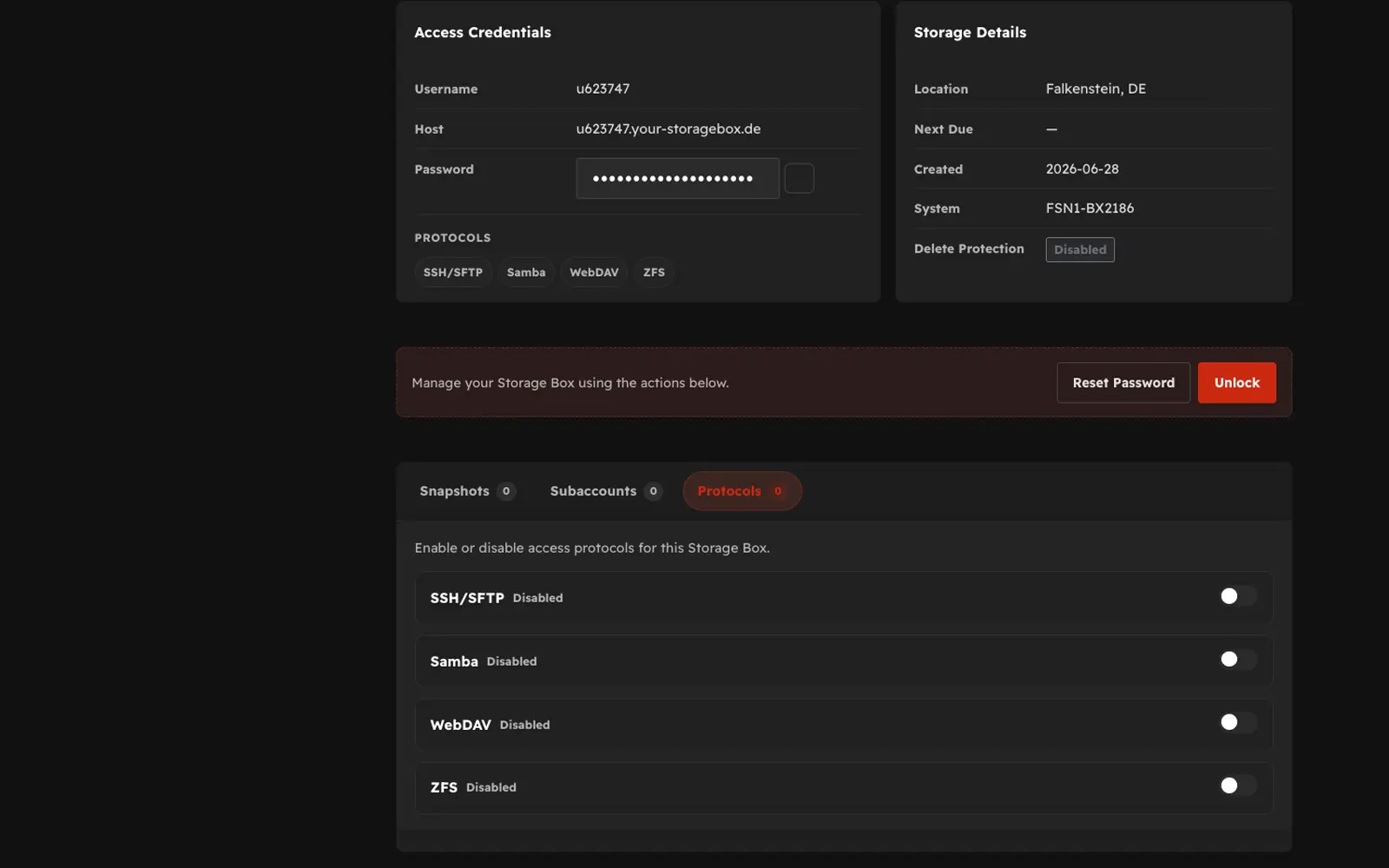
Sub-accounts give a customer scoped access credentials (for example, a separate SMB or FTP-style login limited to part of the Storage Box) without exposing the main account password. When sub-account management is enabled for a product, customers can enable or disable individual sub-accounts from the client area, and administrators can review all sub-accounts for a box from the admin panel.
Warning
Disabling Allow Client Sub-account Management after customers have already created sub-accounts does not delete those sub-accounts — it only hides the management controls from the client area. Existing sub-accounts remain active in Hetzner until an administrator disables them.
Troubleshooting
| Problem | Fix |
|---|---|
| Prices don't reflect the configured markup | Re-run Import Types or update the product's Pricing tab manually — markup only applies at import time |
| Boxes look out of date in WHMCS | Confirm Cron Sync Enabled is Yes and check the WHMCS cron log for the sync task |
| Customers can't manage sub-accounts | Confirm Allow Client Sub-account Management is Yes on the product |
Next step
Continue to Client Area to see what customers experience once these settings are configured.