
Guide
Client Area
This page describes what customers see and can do with a Hetzner Cloud server from the WHMCS client area. It is written for support teams and administrators who need to understand or explain the customer-facing experience.
Customers manage Cloud servers from Services → My Services → [product].
Layout
- Native WHMCS product header — product name, billing cycle, next due date.
- Module panel — action tiles, server information widget, traffic meter.
- Native tabs below — domain and configurable options, as provided by WHMCS.
Overview actions
| Action | Method | Notes |
|---|---|---|
| Power On / Off / Reboot | POST + CSRF | Immediate power state change |
| Reset Password | POST | New password shown once; synced to WHMCS |
| Rescue Mode | POST | Boots into the Hetzner rescue system |
| Create Snapshot | POST | Scoped to this server |
| SSH Keys | POST | Project-wide in Hetzner |
Hostname can be edited inline, saved via an AJAX request.
Management tools
Additional tools open via a tile or the sidebar Extra Tools menu:
| Tool | Features |
|---|---|
| Graphs | CPU, disk, and network sparklines (24h) |
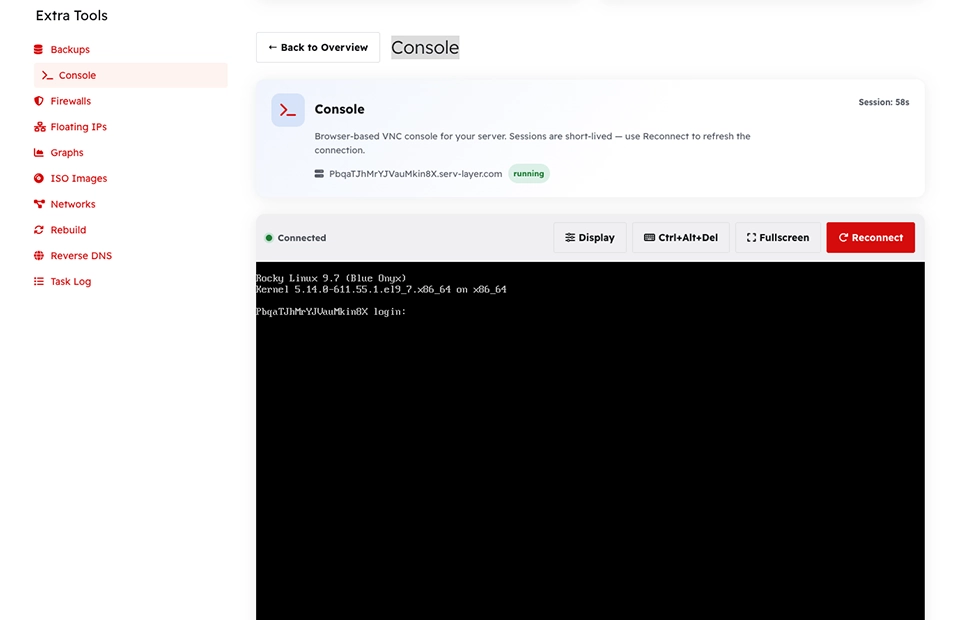
| Console | Web console URL with a one-time password |
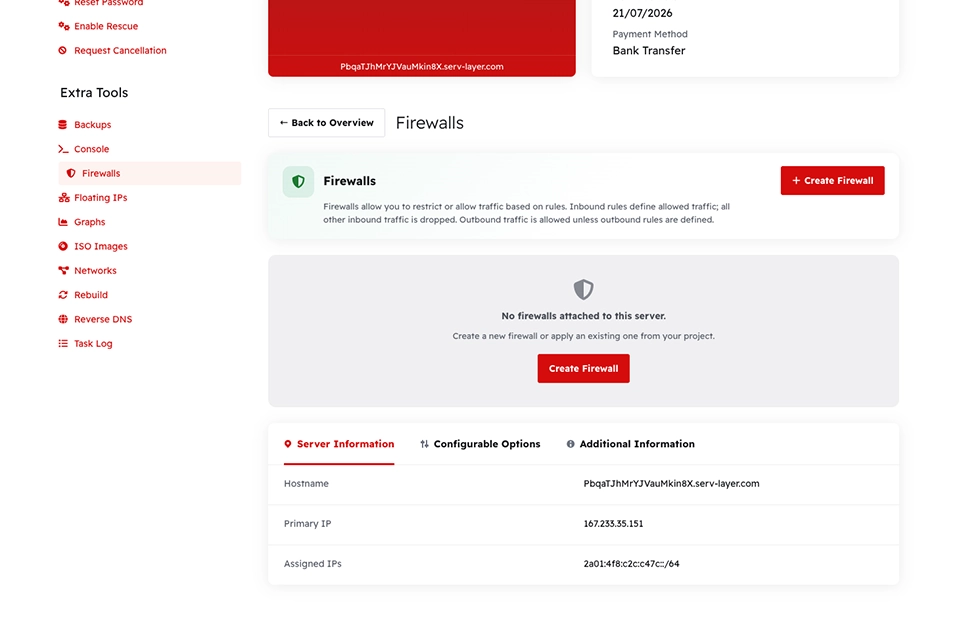
| Firewall | Create/edit firewalls, inbound/outbound rules, attach to server |
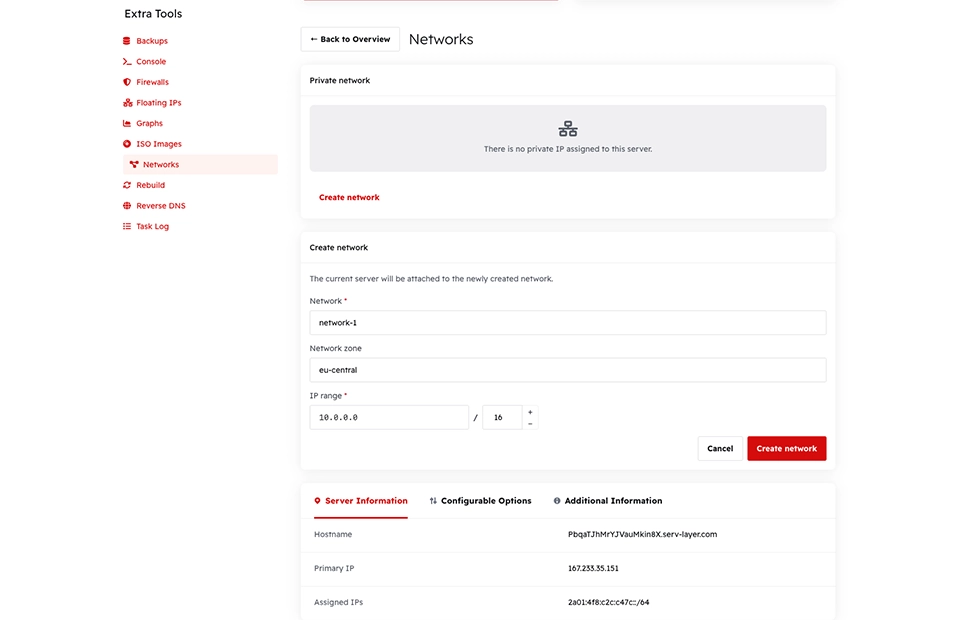
| Networks | Attach/detach private networks |
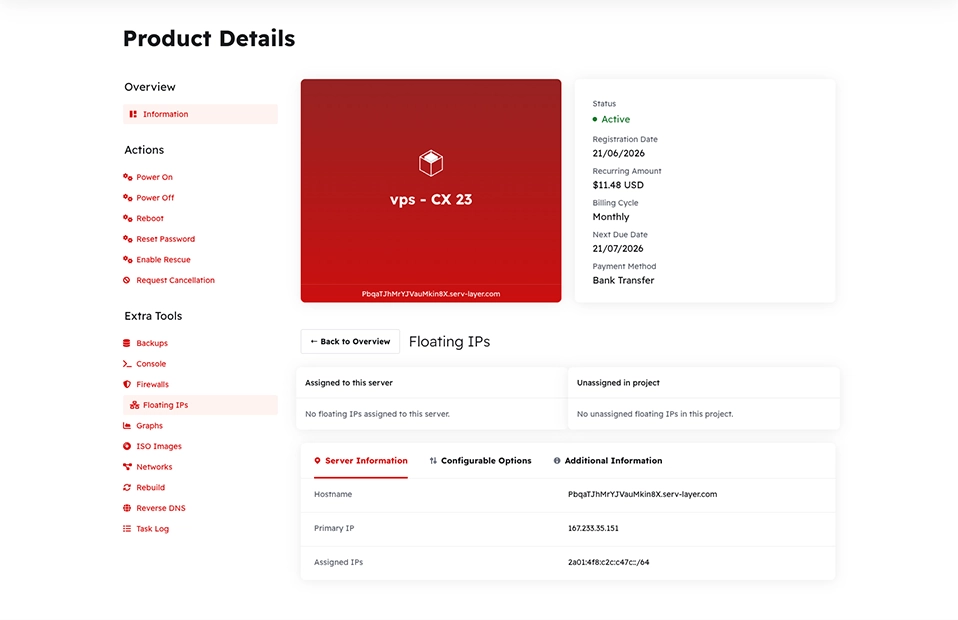
| Floating IPs | Assign/unassign floating IPv4 addresses |
| Rebuild | Image list filtered by server architecture |
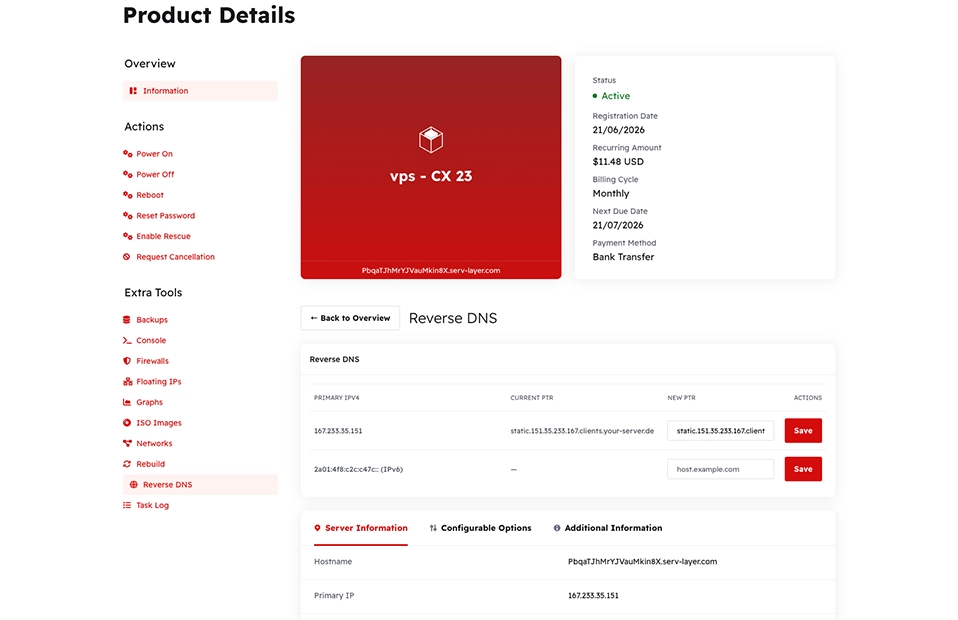
| Reverse DNS | PTR record for the primary IPv4/IPv6 address |
| ISO Images | Mount/unmount ISO images (subject to the ISO Settings whitelist) |
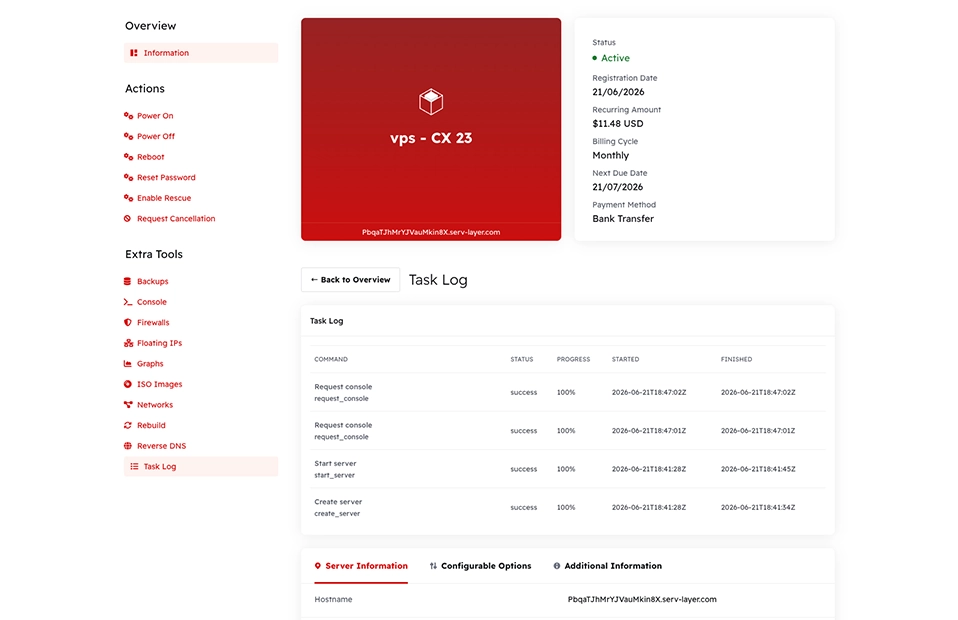
| Task Log | Recent Hetzner API actions for this server |
ISO Images
| Element | Description |
|---|---|
| Available ISOs | Filtered by server architecture and the admin whitelist |
| Mount | Mounts the selected ISO |
| Unmount | Available once an ISO is attached |
This page is disabled entirely when the ISO Images client action is off for the product — see Product Settings.
Server information
The overview typically shows: hostname, IPv4, IPv6, server type, vCPU, RAM, disk, image, traffic usage/limit, and backup status. This data merges the WHMCS service record with a live refresh from the Hetzner API.
Security
- All state-changing actions use POST with a WHMCS CSRF token.
- Destructive actions require a JavaScript confirmation dialog before submitting.
- Snapshot and ISO actions are verified against the server's ownership (
serverIDcustom field) before executing.
Caution
Rebuild and Rescue Mode change the server's boot state and can result in data loss if the wrong image is selected. Customers should always confirm they have backups before using Rebuild.
Architecture-aware catalog
| Feature | Filter applied |
|---|---|
| Rebuild images | x86 server sees x86 images only; ARM server sees ARM images only |
| ISO mount list | Same architecture filter, plus the admin ISO whitelist |
| Configurable options at order time | Validator rejects an architecture-incompatible image selection |