
Guide
Pending Orders
This page explains the Pending Orders screen, why Robot orders are asynchronous, and how the cron job reconciles a transaction ID into an active server. It is written for WHMCS administrators handling day-to-day dedicated server fulfillment.
Why orders are pending
Hetzner Robot does not provision dedicated servers instantly. When a customer orders a Standard or Market/Auction product, the module places the order with Robot and immediately receives a transaction ID — not a server number. The physical server is assigned by Hetzner afterward, which can take anywhere from a few minutes to several hours depending on availability.
Until that happens, the WHMCS service stays in the Pending status. The Pending Orders screen exists to make that period visible and to give admins a way to check on — or force — reconciliation.
Where to find it
Addons → Hetzner Data Center Core → Dedicated Servers → Pending Orders
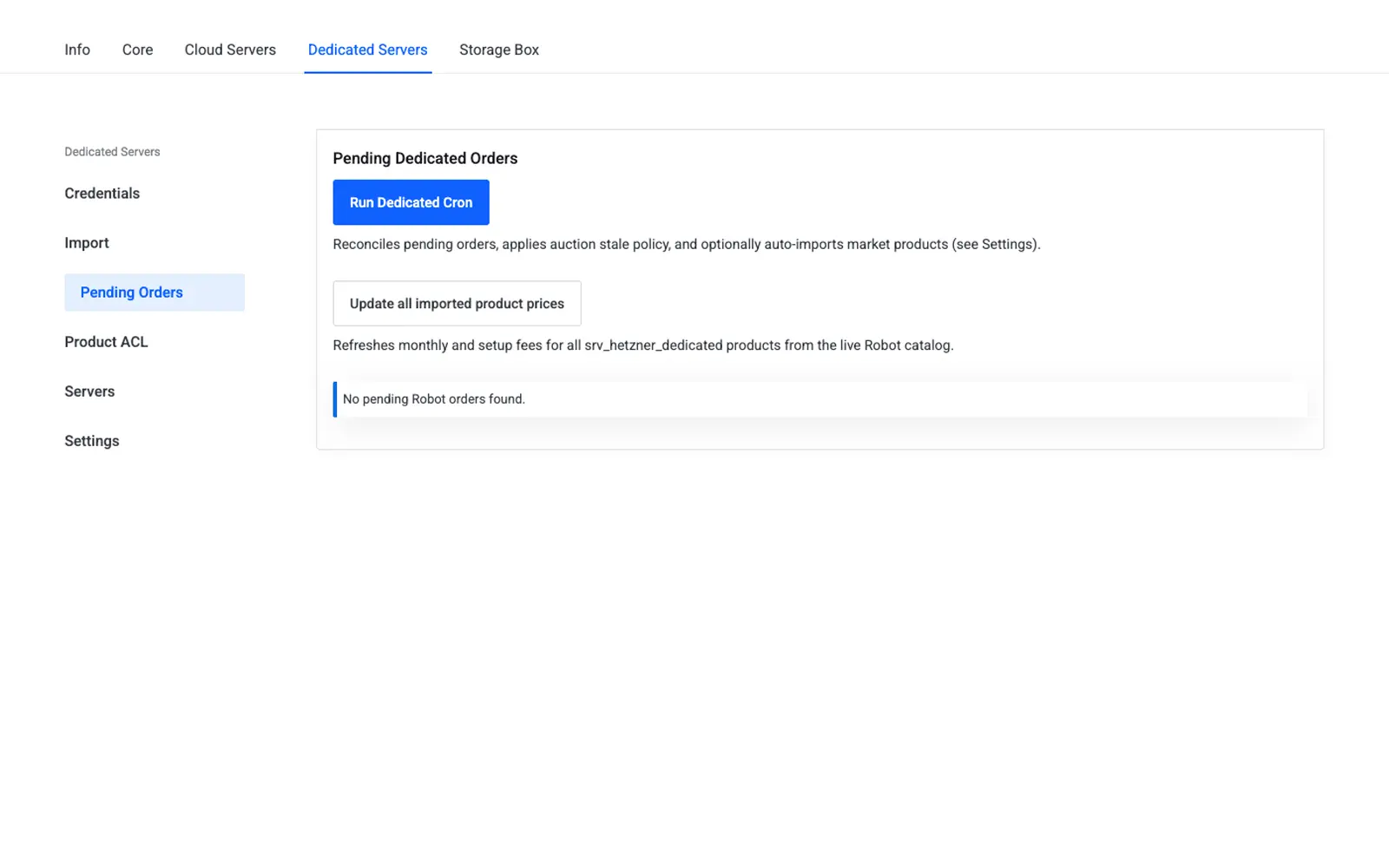
Table columns
| Column | Source |
|---|---|
| Service | WHMCS service ID |
| Client | Client name |
| Domain | Service domain |
| Transaction | Robot transaction ID, stored in the robotTransactionID custom field |
| Type | standard or market |
| Ordered | Registration timestamp |
Actions
| Action | Description |
|---|---|
| Run Dedicated Cron | Reconciles every pending order in one pass, applies the configured auction stale/out-of-stock policy, and optionally auto-imports new market products |
| Reconcile (per row) | Polls Robot for a single service and, if a server number is now available, marks the service Active |
How the cron reconciles orders
The Dedicated cron entry point (cron-dedicated.php) is wired into the addon's central cron and can also be triggered manually from this page:
- For each pending service, the cron checks Robot using the stored
robotTransactionID. - If Robot has assigned a server number, the cron writes it to the
serverIDcustom field and clearsrobotTransactionID. - The WHMCS service transitions to Active.
- If Robot has not yet assigned a server, the service remains Pending until the next cron run.
Tip
If a customer reports their new server "never arrived," check this screen first — most cases are simply awaiting Robot fulfillment, not a module fault. Compare the Ordered timestamp against typical Hetzner fulfillment times before escalating.
Client area visibility
Customers see their own pending order too: the dedicated server's client area overview shows a pending banner with the transaction ID and a Reconcile Order button, which runs the same reconciliation logic scoped to that one service. See Client Area.
Troubleshooting
| Problem | Fix |
|---|---|
| Order stuck pending for an unusually long time | Run Reconcile manually for that row; if still pending, check the transaction directly in the Hetzner Robot panel |
| Run Dedicated Cron does nothing | Confirm the central addon cron is scheduled and running in WHMCS Utilities → Logs → Cron Log |
| Auction product marked pending never resolves | The listed hardware may have sold to another buyer before the order completed — verify in the Robot panel |
Related
- WHMCS Product Module — provisioning flow and custom fields
- Client Area — customer-facing reconciliation